Make a Scrapbook Photo Collage Without Uploading — Tilt, Overlap & Polaroids in Your Browser
A neat 2×2 grid joins photos. A scrapbook collage tells a story: polaroid frames, a little tilt, soft shadows, and photos that overlap like a mood board on a desk. That Canva / Picasa look is what people expect when they search for a “photo collage maker” — and most free tools either force a rigid grid or make you upload every holiday photo to a stranger’s server.
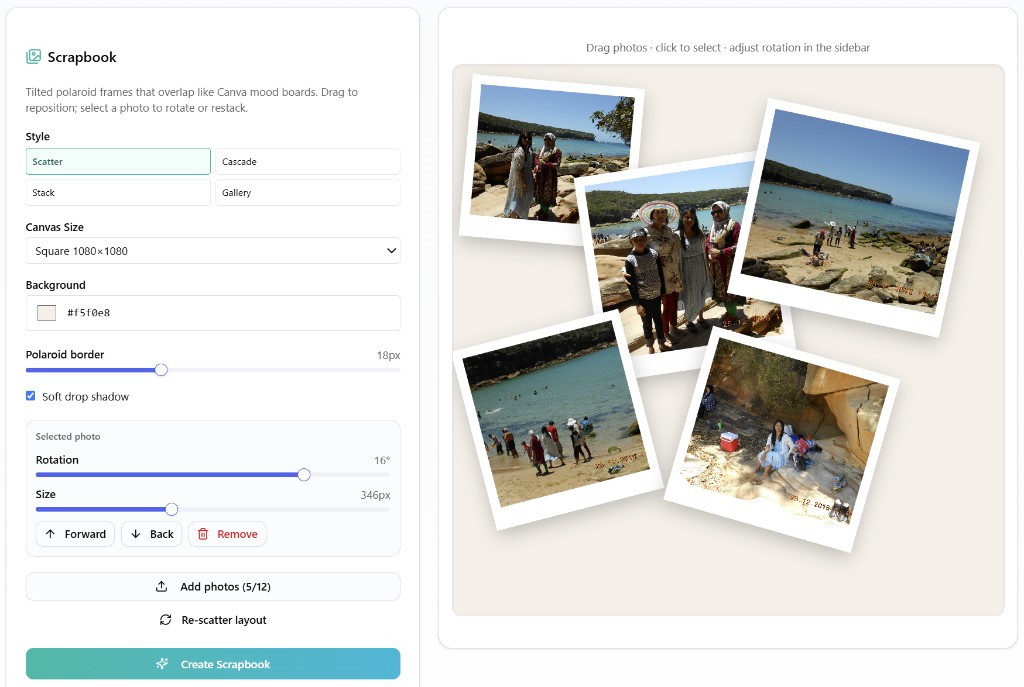
ImageCraft’s Photo Collage tool now includes a Scrapbook mode built for that look. Everything runs in your browser: drag to reposition, rotate selected frames, restack forward/back, then export a PNG. Your images are never uploaded for processing.
Grid vs Scrapbook: Which Should You Use?
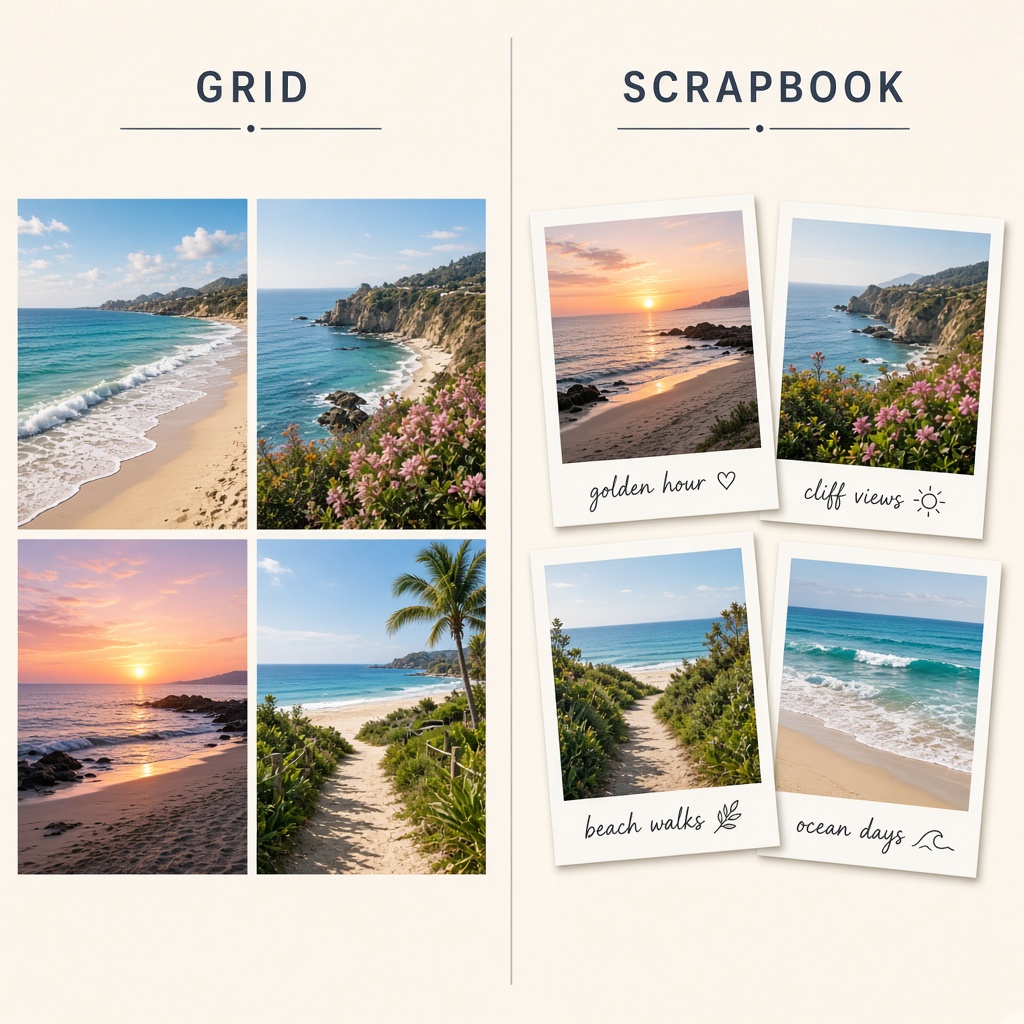
- Use Grid when you need clean cells for catalogs, before/after pairs, or marketplace comparison shots.
- Use Scrapbook when you want a travel mood board, anniversary dump, baby album cover, or Instagram-ready “printed photos on a table” aesthetic.
- You can keep both: ImageCraft still offers free grid layouts; Scrapbook is the creative mode on the same tool page.
What Makes a Scrapbook Collage Look Good
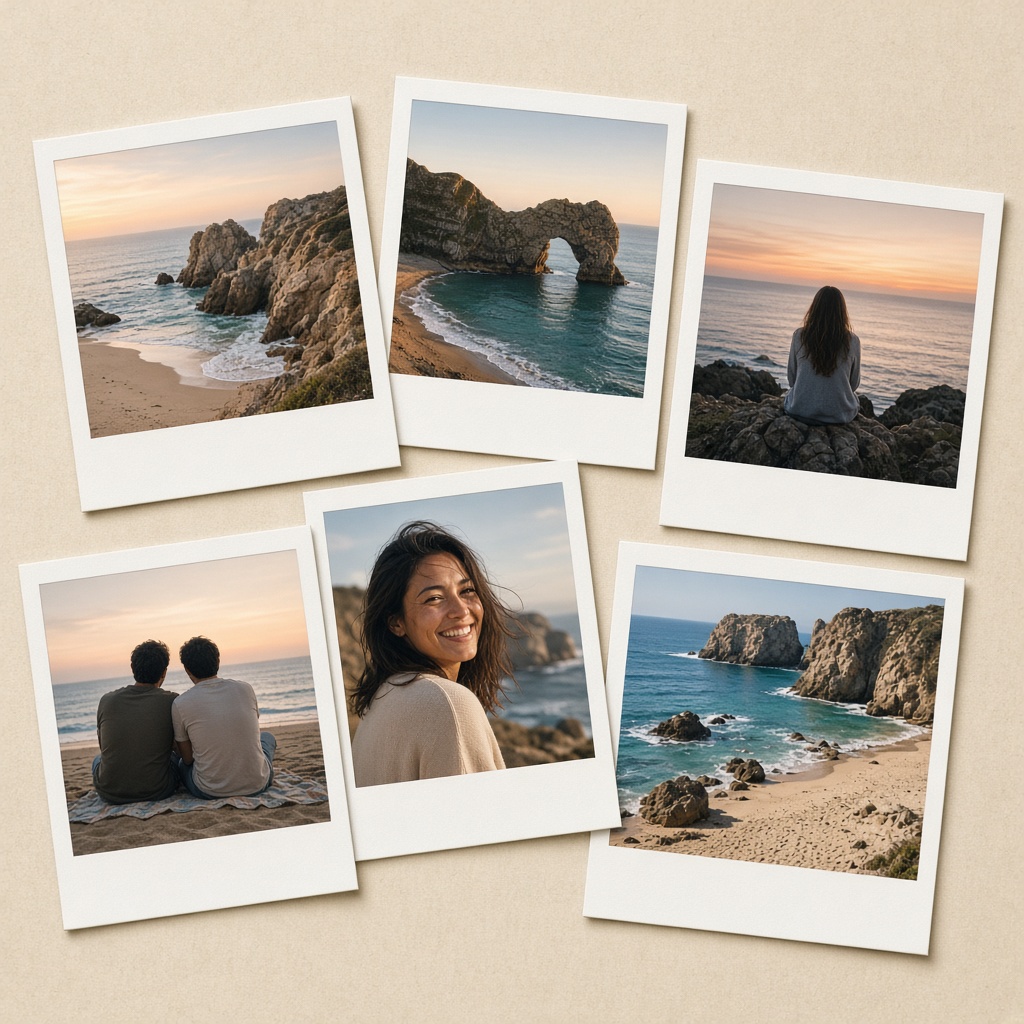
- Slight rotation (±5° to ±20°): enough tilt to feel casual, not chaotic.
- Controlled overlap: edges tuck under neighbouring frames so the stack feels intentional.
- Polaroid borders: white frames (often with a thicker bottom edge) separate photos from the background.
- Soft drop shadows: lift frames off a warm cream or kraft-coloured canvas.
- Varied photo sizes: one hero frame a bit larger; supporting shots smaller.
How to Build One in ImageCraft (Step by Step)
- 1. Open Photo Collage → Make a photo collage online for free
- 2. Pick a style: Scatter (free) for a mood-board spread; Pro unlocks Cascade, Stack, and Gallery.
- 3. Add photos (free: up to 4; Pro: up to 12). Processing stays on your device.
- 4. Drag frames on the canvas to nudge overlap. Click a photo to adjust rotation and size.
- 5. Use Forward / Back to change which polaroid sits on top.
- 6. Tune polaroid border thickness, soft shadow, and background colour (cream works well for print vibes).
- 7. Click Create Scrapbook, preview the PNG, then download — or keep editing.
Practical Ideas (Specific Use Cases)
- Weekend trip dump: 4–8 phone photos → Scatter → story-size 1080×1920 for Instagram Stories.
- Family reunion cover: mix group and detail shots; put the hero photo Forward and slightly larger.
- Marketplace “lifestyle” shot: product in context with 3 supporting photos — more inviting than a sterile grid.
- Anniversary or wedding board: cream background, thicker polaroid borders, gentle Cascade style (Pro).
Privacy: Why Browser Collages Matter for Personal Photos
Holiday albums, kids’ birthdays, and home interiors are exactly the files you should not send to a random “free collage” site. Upload-based makers often process (and sometimes train on) your originals. ImageCraft renders the collage with Canvas in your browser: image bytes are not uploaded to app servers for editing. Pair Scrapbook with Privacy Redactor or EXIF strip if a frame still shows a plate or GPS you did not mean to share.
Free vs Pro for Collage
- Free: Scrapbook Scatter style, up to 4 photos; several grid layouts (up to 4 slots).
- Pro: Cascade, Stack, and Gallery scrapbook styles; up to 12 photos; larger grid layouts.
- Daily usage limits still apply on free accounts; Pro is unlimited for collage exports.
Try Scrapbook Collage
- Photo Collage (Scrapbook + Grid) → Make a photo collage online for free
- Border & Frame (single polaroid) → Add borders and polaroid frames to photos
- Social Size Pack (export sizes for each platform) → Crop one photo for every social platform
- Privacy Redactor (blur faces/plates before you collage) → Blur faces, plates and text before sharing